
Georgia VINE and Walker Arrests
Georgia rolled out VINE through its Criminal Justice Coordinating Council in March 2024. The state tapped Appriss to run it. The official Georgia VINE announcement covers the launch. Access works online, by phone, and through a mobile app. Support runs around the clock in multiple languages. Notices fire when custody changes, covering arrest, release, or escape. Those are statewide facts, not Walker County specifics. No county feed schedule or result format is published. The sheriff's office posts no separate participation page, so pick Georgia, filter for Walker County if it appears, and fall back on WCSO AIS when a name comes up empty.
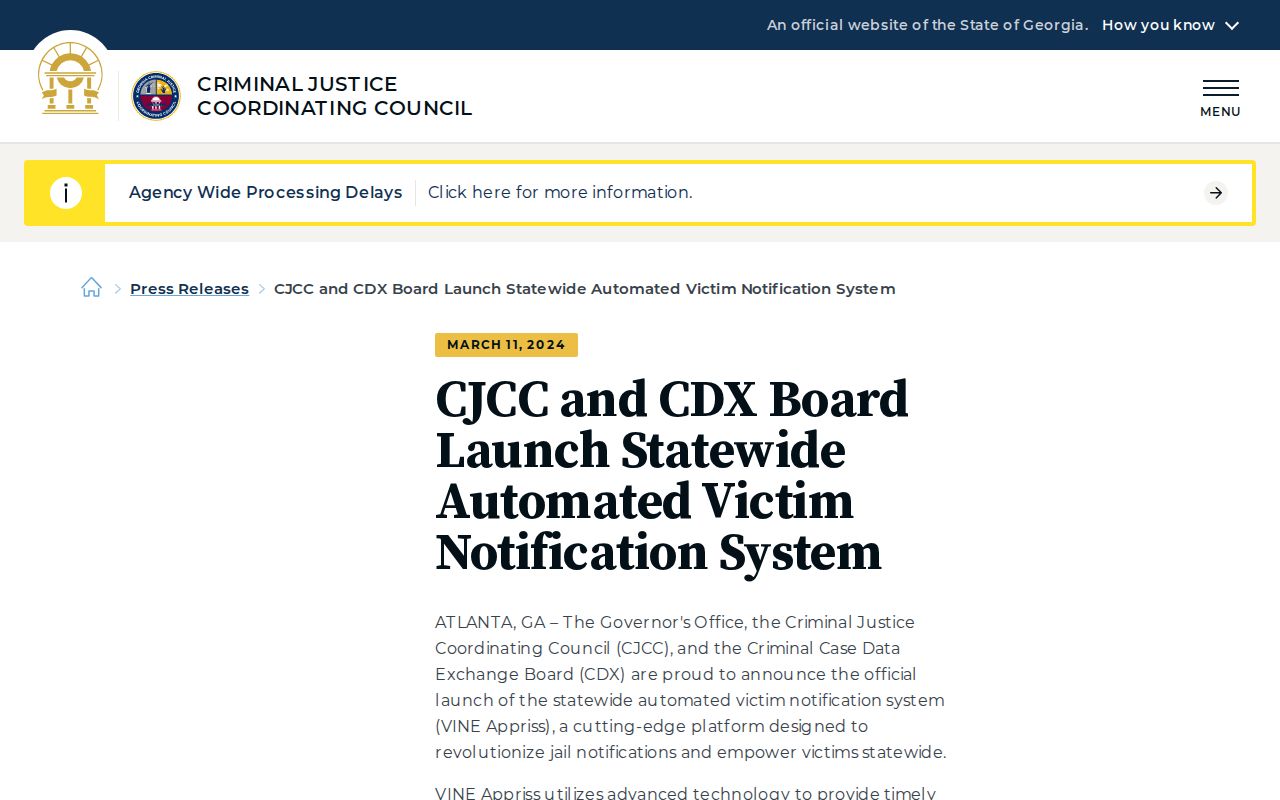
The state notice establishes the program, while local result availability still must be checked.
Check a Walker Arrest on VINELink
VINELink works best for a single name. It is no roster of everyone arrested in Walker County. Shared names make accuracy count, so enter identifying details exactly as the interface asks. The form itself can change. Follow the fields it presents and filter by Walker County when that option appears.
- Open the official VINELink state-selection screen.
- Select Georgia and choose Walker County if the current interface offers that filter.
- Enter the person's name or an identifier requested by the live form.
- Compare all available identifying facts before opening a possible match.
- Read the custody agency and status, then register only from the correct record.
The official VINELink selection screen is the right starting point.
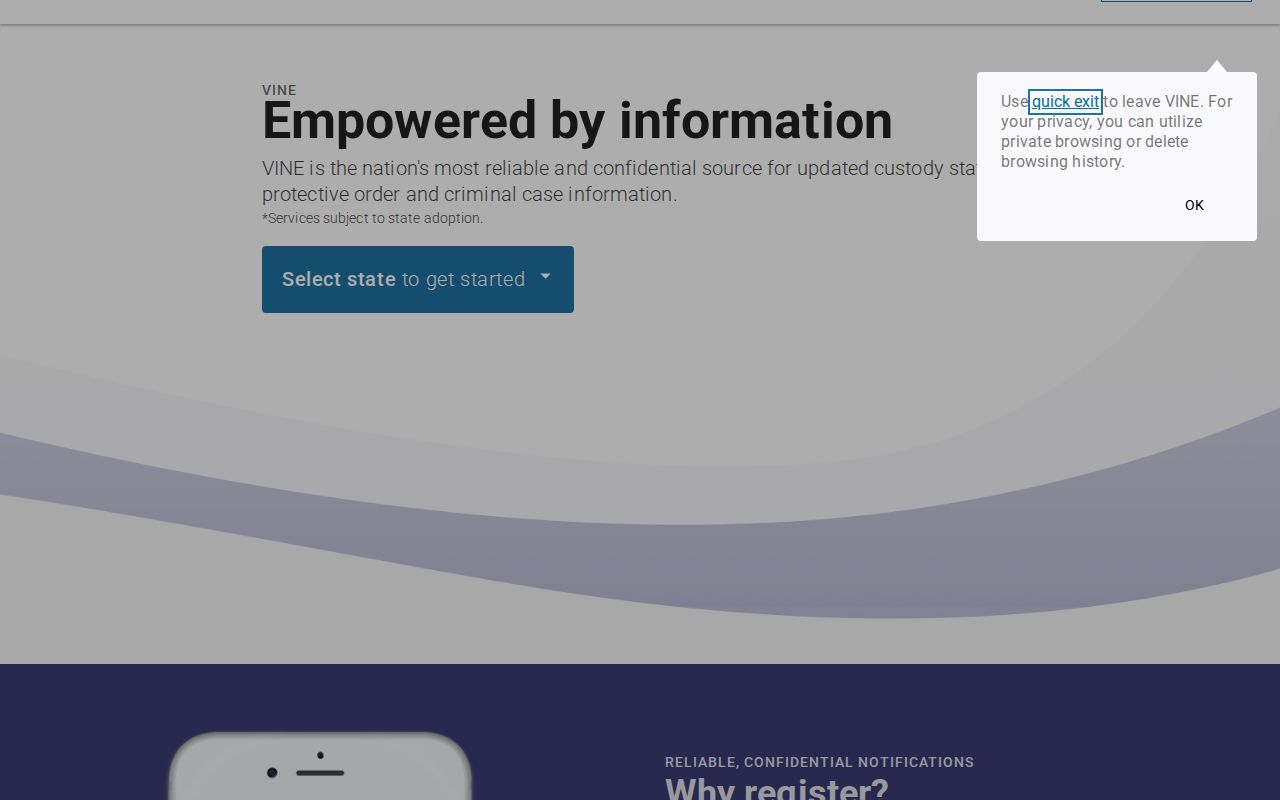
A result screen routes your search into the state system. It is not a mugshot list. Empty results do not rule out an arrest. Booking may still be in progress. A transfer may have moved the record, or the inputs may simply miss. Walker events also may not feed VINE. WCSO AIS is the direct fallback after booking.
Walker VINE Arrest Result Fields
VINE centers on custody status and alerts, not detailed case files. The state publishes no Walker County field list. Treat each match as the screen displays it. Note which agency holds the person now, since that can differ from the agency that made the arrest.
| Result element | How to use it |
|---|---|
| Name or identifier | Compare it with known facts before treating the result as a match. |
| Custody status | Shows the status reported to VINE, subject to feed timing. |
| Facility or agency | Identifies the reporting custodian when the field appears. |
| Status event | May reflect release, transfer, escape, or another covered change. |
| Registration control | Starts available notification choices for the matched record. |
| Photo or court outcome | Neither is a guaranteed VINE field or the purpose of this service. |
"Released" speaks only to custody. It says nothing about the case. "Transferred" means custody moved, though the destination and reason may not appear. Charges and outcomes belong to the sheriff's record and the court docket.
Register for Walker Custody Alerts
Registering takes a successful identity match. Georgia offers online, phone, and mobile notification, though the exact choices vary by record and current interface. Use a contact method you actually control. Keep your PIN and any confirmation step private, since they may be needed to manage or acknowledge notices.
- Open the correct custody result and select the offered registration option.
- Choose an available phone, text, or email route.
- Enter the requested contact details and create a PIN if prompted.
- Complete the confirmation step shown by the service.
- Save the registration details and act on notices by verifying with the custodian.
The official VINELink support center is the fallback for account, search, or notification issues.
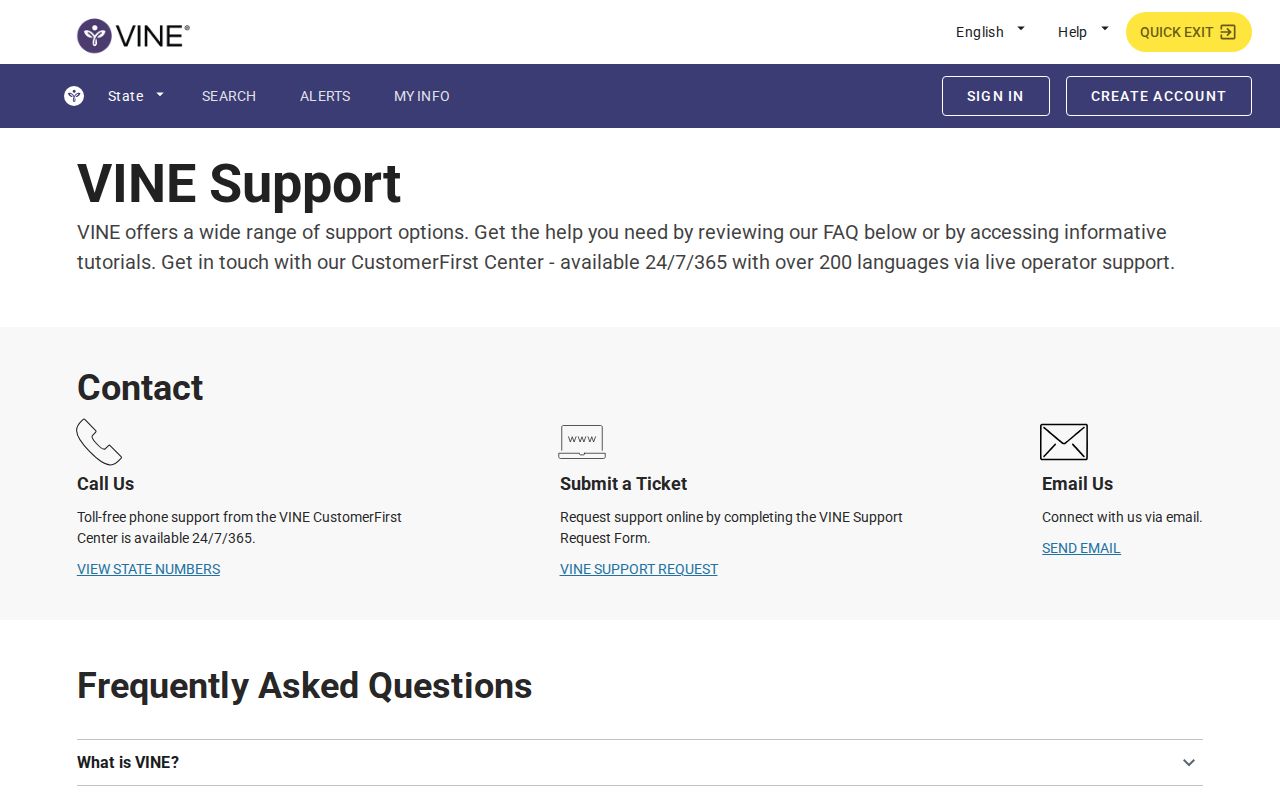
Support handles the interface. WCSO answers for a Walker jail record. Never hang one decision on a single alert. Network delays, contact settings, and source updates can hold up a notice. When a release or move affects immediate safety, call the responsible agency or a victim-services professional at an official number.
When Walker VINE Has No Match
Call the Walker County Sheriff's Office at 706-638-1909. Press 3 for Detention, then 1 for AIS. You search by last name or date of birth. WCSO cautions that nothing appears until processing and booking finish. That can take eight hours or more. For a fresh event, the Walker arrest same-day path covers this lag. If AIS also comes up empty, recheck the spelling and date of birth. Then call Detention. A focused open-records request can seek an intake or release record. VINE and AIS answer current custody questions. A records request documents an event. The court record shows what happened to the charges. Each tool has its own job.
Walker County Sheriff's Office105 South Duke Street
LaFayette, GA 30728
706-638-1909
Detention through option 3
Georgia VIP After County Custody
The Georgia Office of Victim Services runs the Victim Information Program. VIP handles state-prison and parole notifications. It is separate from any county jail search. When a case moves someone into Georgia Department of Corrections custody, the notification and location source can shift. The official Georgia VIP page lays out state corrections and parole alerts. Those sit apart from a Walker County jail event. A county release, a transfer to GDC, and a parole event are distinct custody changes. Confirm who holds the person first. A Walker booking number does not by itself guarantee a GDC match. So choose the locator that fits the agency now in charge.
Walker VINE Arrest Check Limits
VINE is no arrest archive. It skips warrants, court dispositions, and booking photos. It leaves many federal custody settings out too. For federal sentenced custody, use the Bureau of Prisons locator. Immigration detention belongs to the ICE locator. Georgia VIP covers only its state corrections context.
VINE alerts earn their keep by cutting out repeat manual custody searches. They remain notices built on reported data. Save the agency name and event details, then confirm directly when accuracy or timing matters. The court file, not the alert, settles the case.